


Network equipment
Modular Connector Accessories can be evaluated for network equipment. Match position count, contact count, wiring scheme and mounting to the equipment interface.
 ISO 9001 · ISO 13485 · IATF 16949 · ISO 14001 certified manufacturer
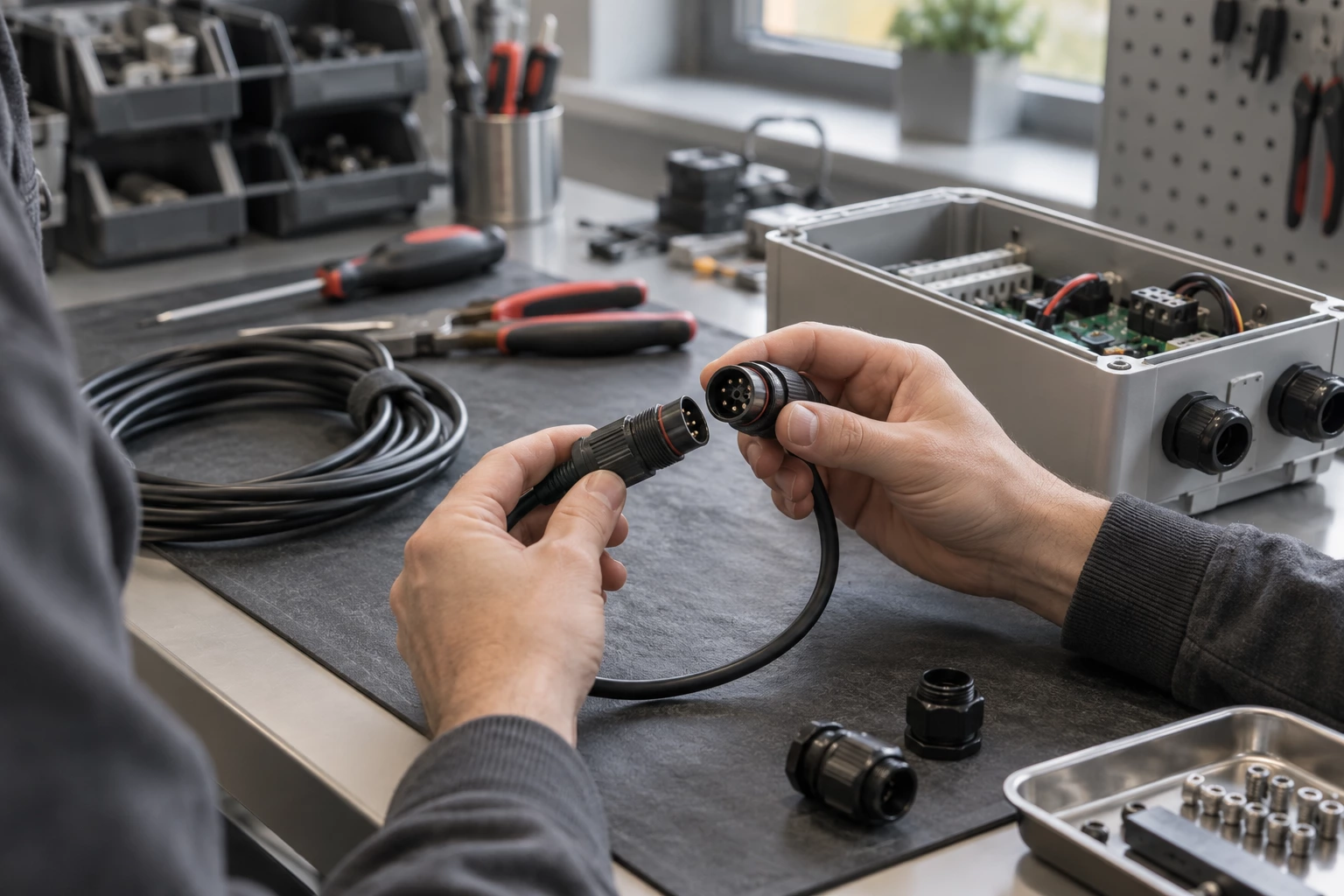
Explore products in this family. Open a product for details, or send us your drawing for a custom build.
| Part number | Description |
|---|---|
| RVUDCTB-B24 | REVCONN DUST COVER BLUE TIA |
| RVUICOR-B24 | REVCONN COLOR ICON ORA |
| RVUICGY-B24 | REVCONN COLOR ICON GRAY |
| RVUICBR-B24 | REVCONN COLOR ICON BROWN |
| AX100641 | PS5 DVO FACEPLATE, FLUSH |
| RVUICTR-B24 | REVCONN COLOR ICON RED TIA |
| RVUDCIV-B24 | REVCONN DUST COVER IVORY |
| RVUICYL-B24 | REVCONN COLOR ICON YEL |
| RVUICPR-B24 | REVCONN COLOR ICON PUR |
| AX100640 | PS5 DVO FACEPLATE, FLUSH |
| AX100445 | COLOR-CODED ICON KIT, |
| AX100613 | PS5 DVO DOUBLE GANG FACE |
| RVUICTO-B24 | REVCONN COLOR ICON ORA TIA |
| RVUICTP-B24 | REVCONN COLOR ICON PUR TIA |
| RVUDCOR-B24 | REVCONN DUST COVER ORA |
| RVUDCRD-B24 | REVCONN DUST COVER RED |
| RVUDCAL-B24 | REVCONN DUST COVER ALMOND |
| RVUDCGY-B24 | REVCONN DUST COVER GRAY |
| RVUDCTG-B24 | REVCONN DUST COVER GREEN TIA |
| RVUDCBK-B24 | REVCONN DUST COVER BLACK |
| RVUDCTR-B24 | REVCONN DUST COVER RED TIA |
| RVUICBK-B24 | REVCONN COLOR ICON BLACK |
| RVUICTG-B24 | REVCONN COLOR ICON GREEN TIA |
| AX100437 | COLOR-CODED ICON KIT, |
The Modular Connector Accessories range covers modular plug and jack systems for the specified communications interface.
Compare position count, contact count, wiring scheme and mounting for the required installation. These are accessory components for a compatible connector system; confirm the supported connector series and the function of each accessory.
Review Accessory Type, For Use With/Related Products, Features and Color on the individual product page before choosing a part.
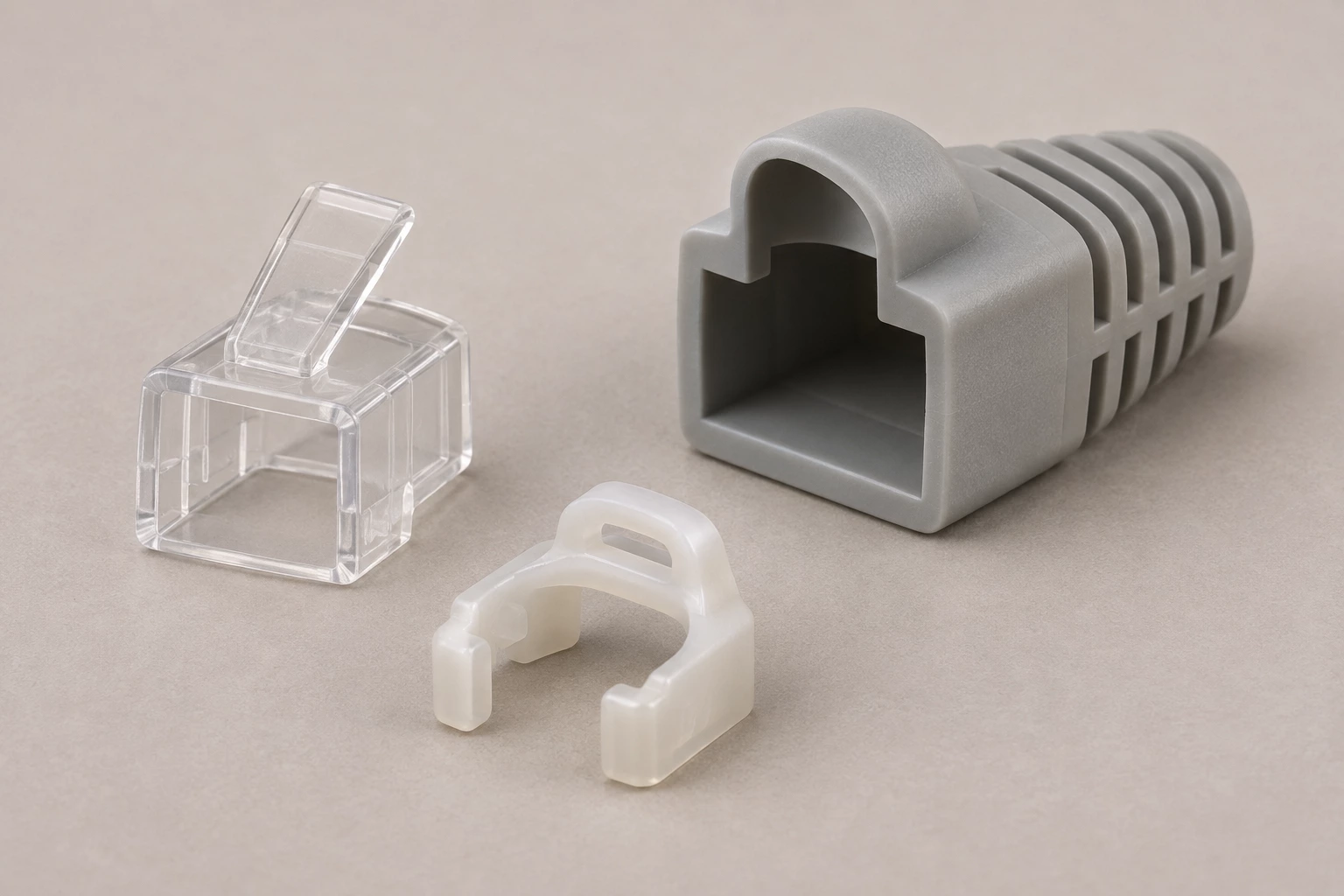
Potential uses vary by part number. Check the listed specifications and equipment requirements before selecting a product.
Modular Connector Accessories can be evaluated for network equipment. Match position count, contact count, wiring scheme and mounting to the equipment interface.

For communications panels, verify Accessory Type, For Use With/Related Products, Features and Color on the selected Modular Connector Accessories. These are accessory components for a compatible connector system; confirm the supported connector series and the function of each accessory.
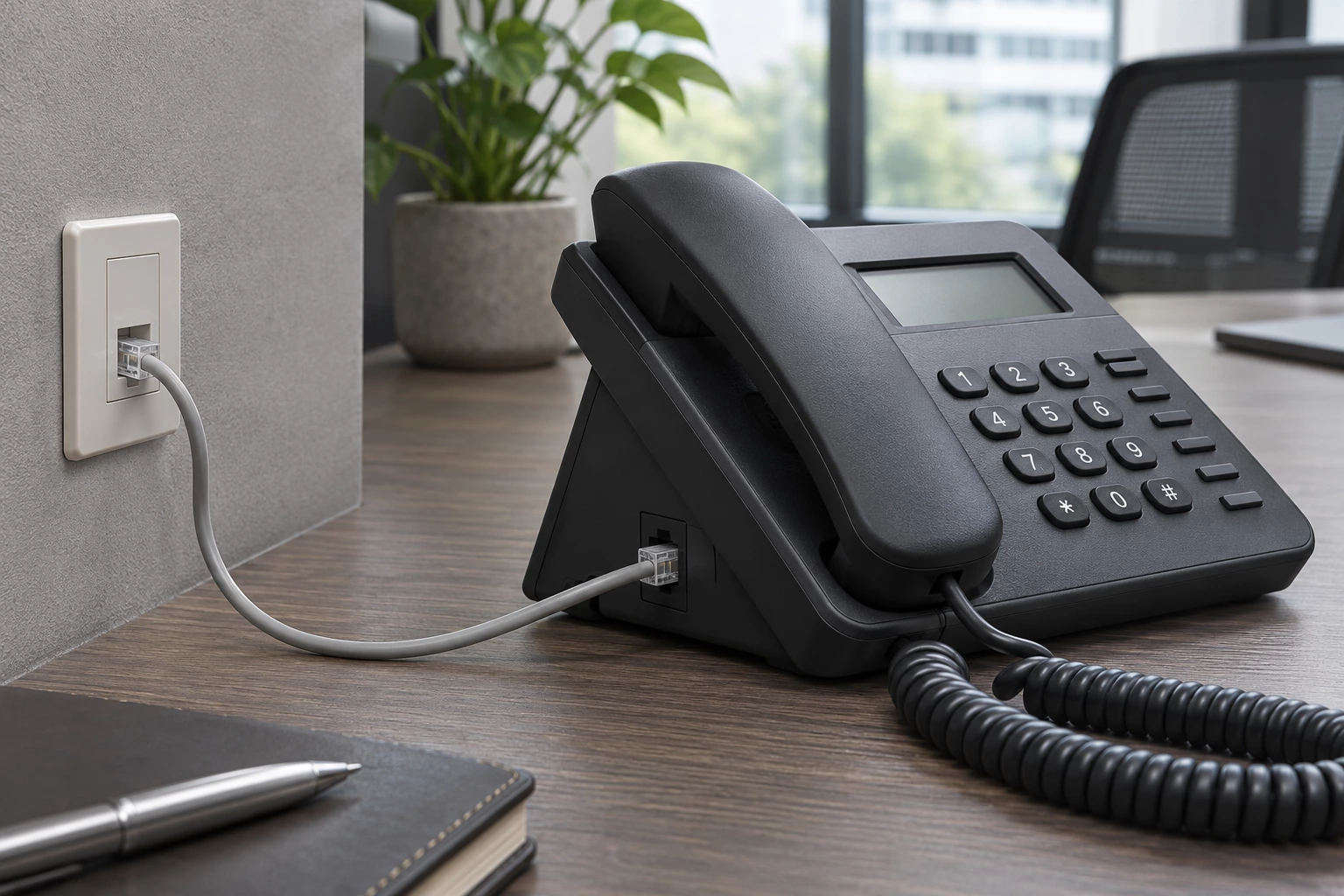
In interface testing, allow for the required mounting, routing or termination space. Check position count, contact count, wiring scheme and mounting before assembly.

For modular connector accessories inspection, identify the original Modular Connector Accessories part number and mating arrangement. Compare Accessory Type, For Use With/Related Products, Features and Color before substitution.
Compare the interfaces, construction and selection details of these two product options.
Example: DCA-RCE-01-01
Example: A-WP-COVER2
The comparison describes common construction differences; final suitability depends on your electrical, mechanical and lifetime requirements.
Practical answers to help you prepare your drawing and specifications.
This category covers modular plug and jack systems for the specified communications interface. These are accessory components for a compatible connector system; confirm the supported connector series and the function of each accessory.
Examples in this category include Cap (Cover), Dust, Cap (Cover) and Boot. Match the selected Modular Connector Accessories to the required position count, contact count, wiring scheme and mounting.
For Modular Connector Accessories, check Accessory Type, For Use With/Related Products, Features and Color against the equipment or mating-part drawing. Confirm the installed clearance and termination access as well as the nominal interface size.
Check position count, contact count, wiring scheme and mounting for the selected part. Use its stated operating conditions and complete assembly requirements; appearance alone does not establish the electrical or environmental rating.
These are accessory components for a compatible connector system; confirm the supported connector series and the function of each accessory. For Modular Connector Accessories, identify the matching system and required assembly parts before ordering.
DCA-RCE-01-01 specifies Accessory Type: Cap (Cover), Dust. A-WP-COVER2 specifies Accessory Type: Cap (Cover) and For Use With/Related Products: Modular Connectors. Check the full mating and installation requirements before treating different Modular Connector Accessories as replacements.
Send the manufacturer and full part number, quantity and required delivery destination. For this category, include position count, contact count, wiring scheme and mounting and a mating or installation drawing when a replacement is needed.
Send a drawing, a BOM, a part number or just one sentence. Our engineers review every enquiry and reply within 24 hours.
We use cookies to collect information about how you use this site. We use this information to make the website work as well as possible and improve our services.more details


