

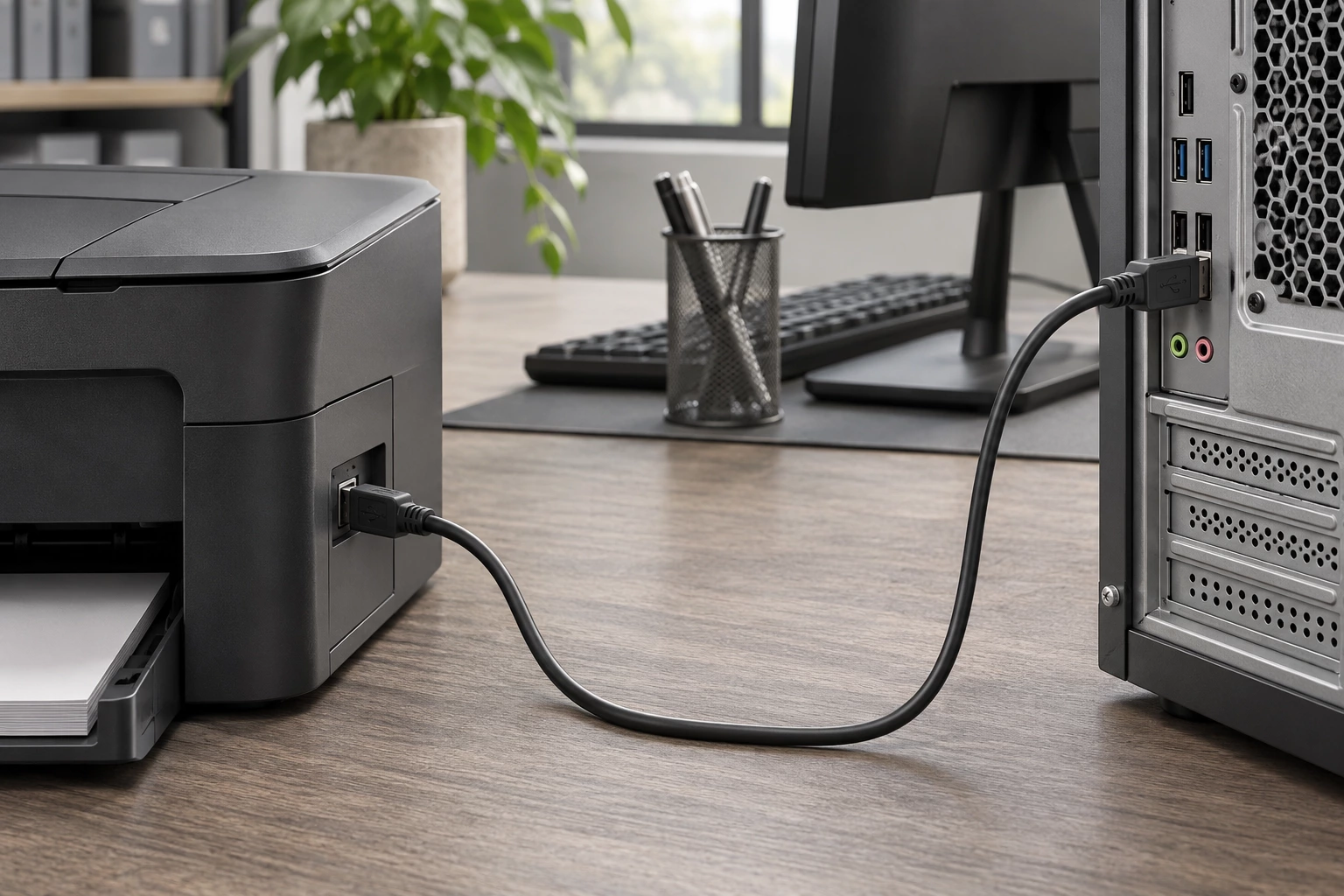
Computer peripheral links
Match the host and device connectors and the required data capability.
 ISO 9001 · ISO 13485 · IATF 16949 · ISO 14001 certified manufacturer
Explore products in this family. Open a product for details, or send us your drawing for a custom build.
| Part number | Description |
|---|---|
| USB3FTV2SB15GACROS | CABLE A RCPT TO A PLUG 4.92' |
| 4696 | CABLE A PLUG TO C PLUG 3.28' |
| 68806-0004 | USB20 AB BK 6.6FT UPC |
| USBBFTV2S2N10A | CBL USB2.0 B RCPT TO A PLG 3.28' |
| 68784-0001 | USB A TO MICRO B CABLE 1M 28/28 |
| 4217 | CBL MCR B RCPT-MCR B PLUG 0.98' |
| ARBS-0204B | CBL USB2.0 A PLUG R/A-B PLUG 2' |
| USBBFTV2S2G10OPEN | CBL USB2.0 B RCPT TO OPEN 3.28' |
| USBG-AB3W | CBL USB2.0 A PLUG TO B PLUG 10' |
| USBG-CC1211 | USB 2.0 HI-SPEED A TO A EXTENSIO |
| 2185 | CABLE A PLUG TO MCR B PLUG 6.56' |
| UC-ARBS1W | 3FT. WHITE USB CABLE A LEFT ANGL |
| USBG-1699 | 3FT. BLACK USB CABLE A LEFT ANGL |
| 899 | CBL A PLUG TO MINI B PLUG 0.5' |
| AMB-6FT-BUF | 6FT. USB 2.0 HI-SPEED A TO MINI |
| USBG-1706 | 3FT. USB 2.0 A TO B LEFT ANGLE C |
| USBFTVX2SA2G20A | CBL USB2.0 A RCPT-A PLUG W/COUPL |
| AMB-6FT-WUF | 6FT. WHITE USB 2.0 HI-SPEED A TO |
| USB3FTV2SB03GASTR | CABLE A RCPT TO A PLUG 0.98' |
| USBG-AB3B | CBL USB2.0 A PLUG TO B PLUG 10' |
| USBFTVX2SA2G03OPEN | CBL USB2.0 A RCPT-OPEN W/COUPL |
| USB3FTV7SB10GASTR | CABLE A RCPT TO A PLUG 3.28' |
| USBFTV2PEMSA2N05OPEN | CBL USB2.0 A RCPT-OPEN W/COUPL |
| USB3FTV2SB05NASTR | CABLE A RCPT TO A PLUG 1.64' |
USB Cable Assemblies includes USB interconnects with Type-A, Type-B, Type-C and other end options.
When selecting an assembly, check connector format, USB data capability, power support, length and host-device roles.
USB Type-C describes the connector format. It does not on its own establish data rate, display support or a particular USB Power Delivery rating.
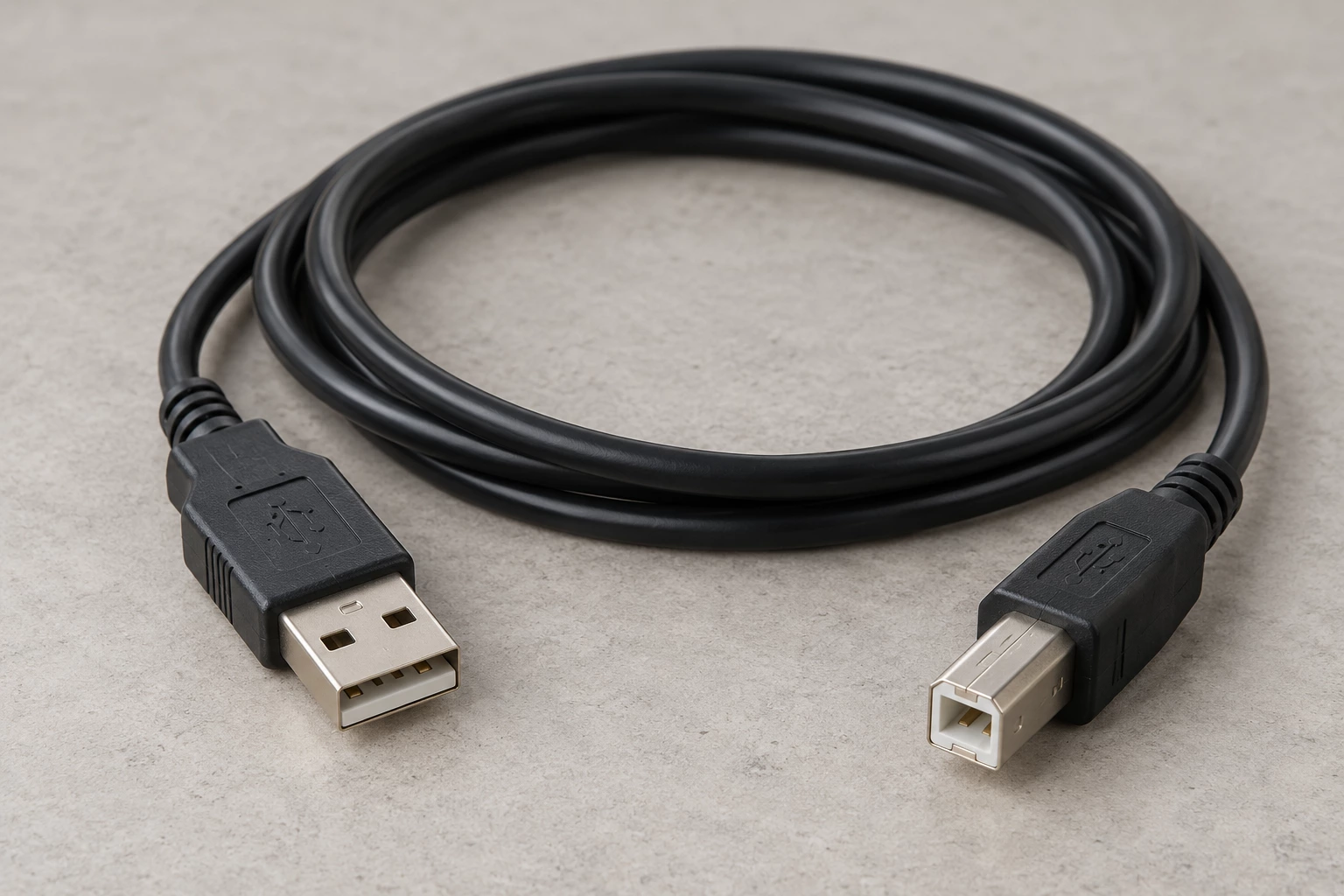
Potential uses vary by part number. Check the listed specifications and equipment requirements before selecting a product.
Match the host and device connectors and the required data capability.
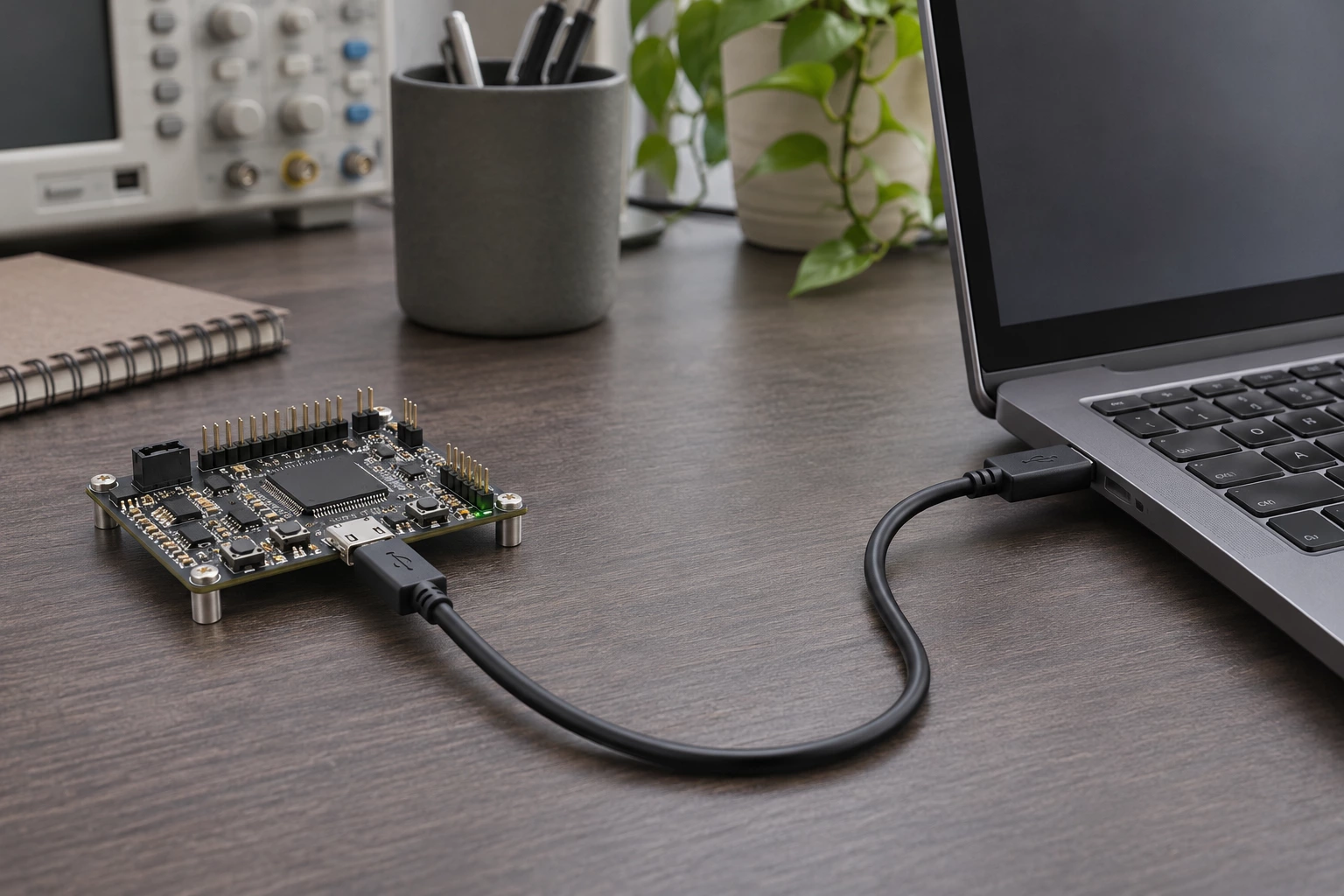
Confirm the board function, power requirements and supported USB interface.
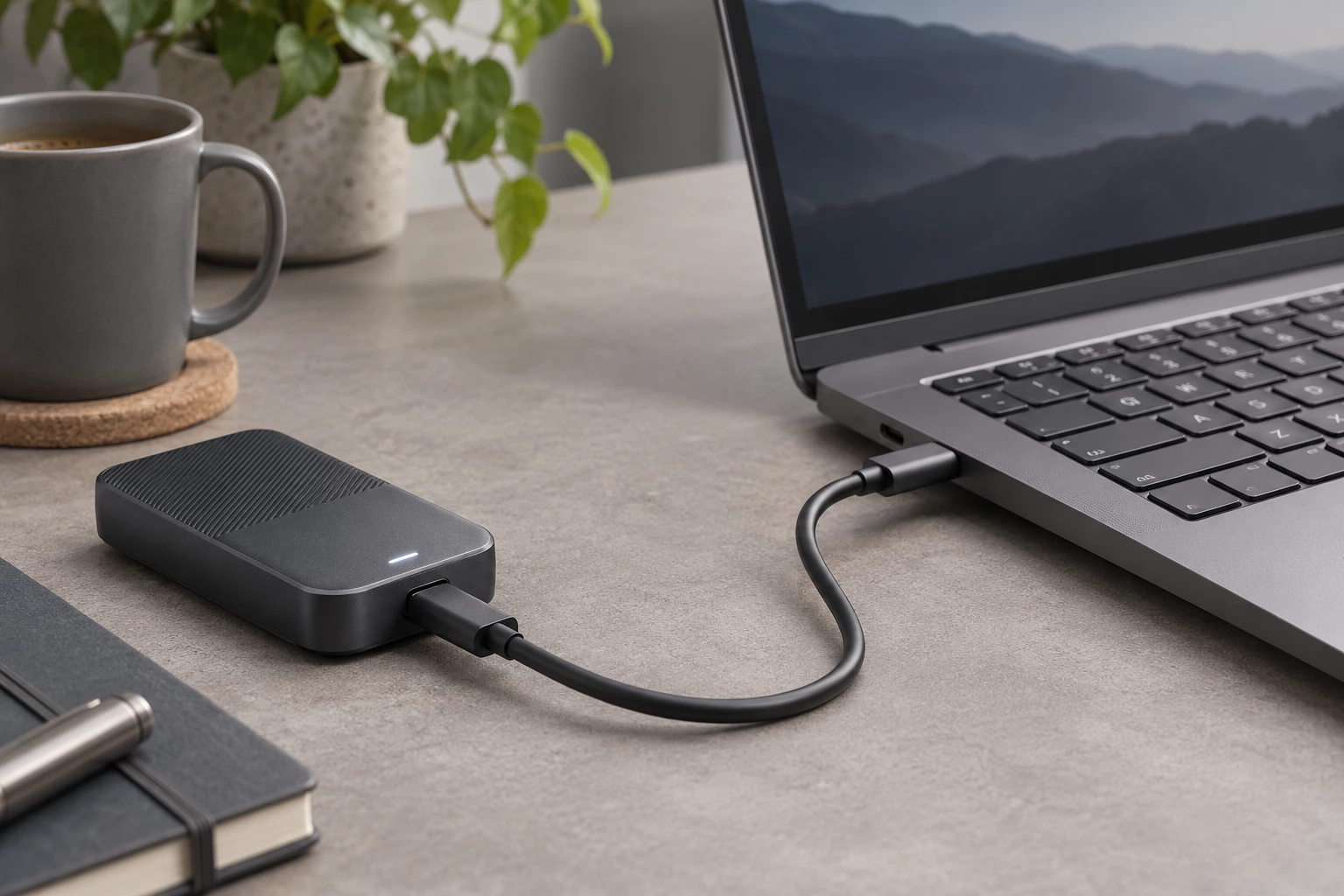
Check data and power support; Type-C format alone does not specify either.
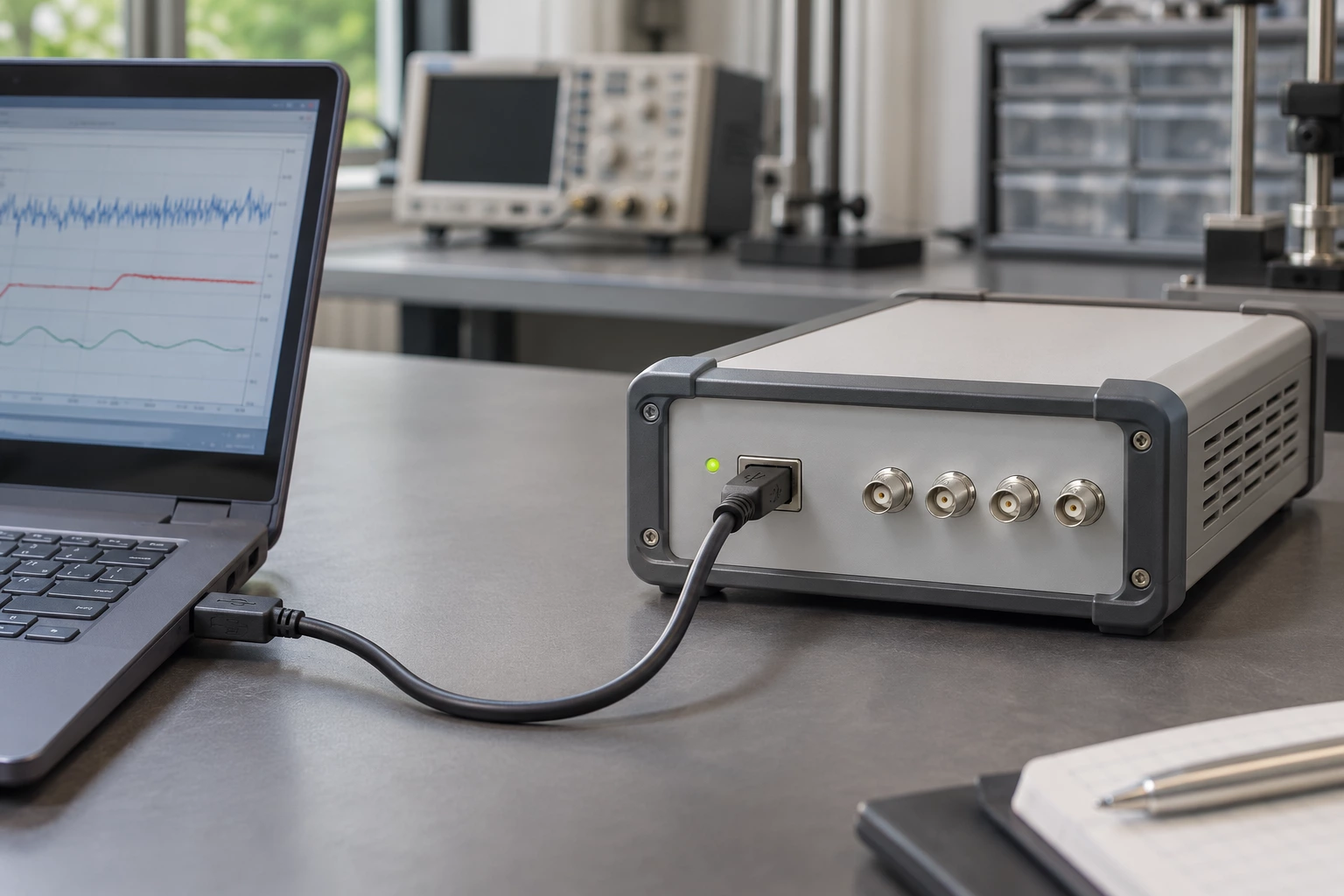
Verify host compatibility, cable length and the device data requirements.
Compare the interfaces, construction and selection details of these two product options.
Representative listed part: 688060004.
Representative listed part: 1064134405.
The comparison describes common construction differences; final suitability depends on your electrical, mechanical and lifetime requirements.
Practical answers to help you prepare your drawing and specifications.
Check the exact Specifications, Transfer Rate and Features entries as well as connector configuration. Connector shape alone does not provide the complete data, charging or device-function specification.
Use the Configuration entry to match both ports and connector genders. Confirm whether you need a device link, an extension or another arrangement, and check the equipment connection requirements.
Review the stated features and request the required charging or power-delivery support for the exact part if it is not listed. A general Data Transfer and Charge description does not specify every supported charging mode.
USB Type-C describes the connector format. It does not on its own establish data rate, display support or a particular USB Power Delivery rating.
688060004 is shown as usb type-a to type-b, with Configuration listed as A Male to B Male. 1064134405 is shown as usb type-a to type-c, with Configuration listed as A Male to C Male. These are two examples, not a statement that every part has either specification.
Provide the original manufacturer and complete part number, or a drawing. For this range, compare connector format, USB data capability, power support, length and host-device roles. Identify any requirement not covered by the listing rather than selecting only by length or appearance.
Supply a mating-interface drawing and the required connector format, USB data capability, power support, length and host-device roles. Add quantity, destination and any inspection requirements. Changes must be reviewed for the selected construction before compatibility, pricing or delivery can be confirmed.
Send a drawing, a BOM, a part number or just one sentence. Our engineers review every enquiry and reply within 24 hours.
We use cookies to collect information about how you use this site. We use this information to make the website work as well as possible and improve our services.more details


